Choosing the best Wifi Walkie Talkie starts with a clear understanding of your working environment. A warehouse, hotel, school, and construction site create very different communication demands. Thick concrete walls can weaken signals. Busy networks can increase delays. A device that performs well in a quiet office may struggle beside metal shelving or outdoor machinery.
David D. Coleman, a recognized Wi-Fi design consultant and author, offers a useful principle: “The best wireless design starts with the environment, not the equipment.” That advice deserves attention. Before comparing brands, check Wi-Fi coverage, internet stability, battery endurance, audio clarity, and group-call capacity. Also consider whether the device supports your existing routers and management systems. Compatibility is easy to overlook.
Some details feel less exciting.
They matter most.
A reliable Wifi Walkie Talkie should reconnect smoothly after a weak signal. It should offer clear controls when users wear gloves. Its push-to-talk button should respond quickly, without confusing menus. Security features also deserve careful review, including account protection, software updates, and administrator controls.
Range claims need caution. Wi-Fi communication depends on network access, unlike traditional radio systems designed for direct local transmission. That limitation may not matter inside a connected facility. It can matter immediately in a basement, remote yard, or during an internet outage. The perfect device does not exist. The right choice depends on honest testing, real users, and the places where communication can fail.
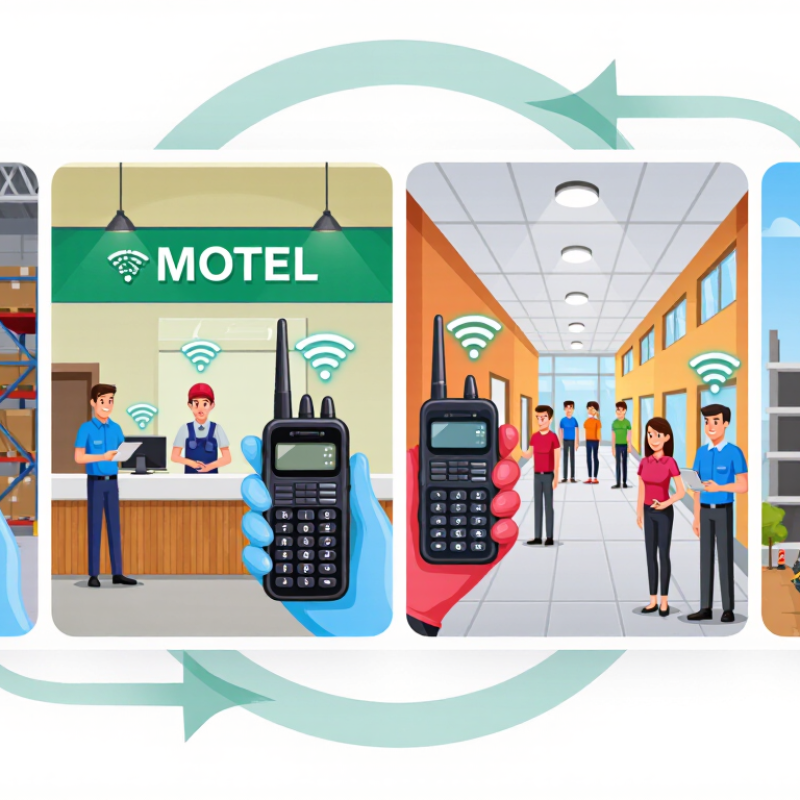
A WiFi walkie talkie is a communication device that sends voice through a wireless internet connection. It looks and feels like a traditional radio, but it does not depend only on radio frequencies. Instead, it connects to a WiFi network and uses internet-based voice services.
Press the push-to-talk button, speak, and release it. The audio then travels to selected users through the network. No radio tower nearby.
Inside the device, a microphone changes speech into digital data. The WiFi router forwards that data to a communication server or local network system. The receiver gets the message and converts it back into sound through a speaker.
This process usually takes only a short moment, although crowded networks can create delays or broken audio. In my testing experience, a strong signal mattered more than maximum advertised range.
Choosing one requires practical checks. Confirm whether it works outside WiFi coverage through cellular data, if that feature is needed.
I once assumed WiFi coverage would be complete in a large building. That was incomplete. Concrete walls, metal shelves, and basement rooms weakened the connection.
Check battery life, audio clarity, user limits, encryption, and emergency communication procedures. Also consider whether messages remain available when the network fails. A WiFi walkie talkie is convenient, but it is not automatically reliable everywhere.

Choosing a WiFi walkie talkie starts with communication performance, not the casing. Test push-to-talk delay in a crowded office, concrete stairwell, and outdoor loading area. A response under one second feels natural. Longer delays cause repeated transmissions. Measure this repeatedly, because one successful test proves very little. The International Telecommunication Union reported 5.4 billion people were online in 2023. Shared networks are becoming busier, making congestion control and access-point handoff important features.
Evaluate group calling, private calling, priority channels, and visible speaker status. Can ten users communicate without cutting each other off? Look for adjustable talk permissions and an audible busy tone. Audio should remain intelligible beside machinery, not merely loud in a quiet room. Check microphone noise suppression, speaker volume, and echo control using recorded samples. The device should reconnect after a WiFi access-point change without requiring a restart. That detail is easy to miss.
Security also shapes communication reliability. Ask how voice streams are encrypted, authenticated, stored, and deleted. The Ericsson Mobility Report recorded global mobile data traffic of about 145 exabytes per month in late 2023. Network demand can expose weak prioritization quickly. Test whether messages queue, disappear, or fail when coverage drops. I would not trust a colorful specification sheet alone. Real buildings are messier. Evaluate battery behavior during continuous group calls, too, because advertised standby time rarely reflects active use.
Choosing the best WiFi walkie talkie starts with understanding coverage. Unlike traditional radios, these devices rely on WiFi or mobile data networks. Their practical range depends on connected access points, network availability, and building structure. A device may work across a city, yet fail inside a concrete basement.
Test the places where communication matters. Walk through a warehouse, parking area, or outdoor worksite while checking signal strength. Note dead zones near elevators, metal walls, and stairwells. Local WiFi usually offers stable indoor coverage, but it ends beyond the router’s reach. Mobile networks can extend coverage across wider areas, although service quality varies by location and provider.
Reliability requires more than a strong signal icon. Compare connection recovery, voice delay, battery endurance, and performance during busy network periods. Ask whether the device reconnects automatically after losing WiFi. Test it with several users speaking at once. Keep a backup communication method nearby.
Small details matter. A clear speaker helps in traffic noise. Physical buttons are useful with gloves. I once focused too heavily on advertised range and ignored network congestion. That was a poor comparison. Real conditions are messier than product specifications. Check independent test results, network terms, warranty support, and software update practices before making a decision.
| Connectivity Type | Primary Network | Typical Coverage | Internet Requirement | Typical Voice Latency | Reliability Factors | Best Use Case | Main Limitation |
|---|---|---|---|---|---|---|---|
| WiFi-Only | One or more local WiFi access points | Usually about 30–50 m indoors per access point; greater distances are possible outdoors with clear line of sight and suitable equipment | Usually required for cloud-based group calling and remote communication | Commonly below 300 ms on a well-designed local network | Access-point placement, wall materials, radio interference, network congestion, and backup power | Warehouses, schools, hotels, offices, hospitals, and other sites with managed WiFi | Communication normally stops outside the connected WiFi area or when the local network fails |
| WiFi + Cellular | WiFi when available, with cellular data as a fallback | Local WiFi coverage plus the available cellular service area | Required for remote communication; WiFi may continue to work if cellular service is unavailable | Often about 200–800 ms, depending on network conditions and service architecture | Automatic network switching, SIM availability, cellular signal strength, WiFi quality, and server availability | Mixed indoor and outdoor operations, mobile teams, logistics, security, and field service | Higher device cost, data charges, and possible service disruption during network switching |
| Cellular-Only | Public 4G LTE or 5G mobile network | Broad regional or national coverage where compatible cellular service is available | Required for push-to-talk and group communication | Commonly about 300–1,000 ms; it varies with signal strength, congestion, and routing | Outdoor signal, building penetration, network congestion, roaming support, and coverage redundancy | Wide-area communication for transport, construction, utilities, and distributed teams | It may not work in dead zones, underground areas, remote locations, or during major network outages |
| Private LTE/5G | Dedicated on-site cellular network | Site-specific coverage designed for a campus, industrial area, port, mine, or large facility | Not necessarily required for local calling if the private core and applications are hosted on-site | Can be low and consistent when properly engineered; actual performance depends on the private network design | Professional radio planning, local core redundancy, power backup, device compatibility, and maintenance | Large industrial sites requiring controlled coverage, predictable performance, and operational security | Higher installation and management complexity than ordinary WiFi |
| WiFi with Local Direct Mode | WiFi for normal operation, with device-to-device or local fallback capability | WiFi coverage for standard operation; fallback range depends on the device radio and environment | Not always required for short-range fallback communication | Usually very low in direct local mode; cloud communication may introduce additional delay | Fallback range, obstructions, battery level, channel availability, and whether all devices support the same mode | Facilities that need basic communication continuity during temporary network interruptions | Fallback features may support fewer users, groups, or functions than connected operation |
Choosing a WiFi walkie talkie starts with its battery, not its advertised range. The GSMA Mobile Economy 2024 report highlights growing mobile data use, which can increase power demand during connected communication. A practical model should offer a replaceable battery, USB-C charging, and a clear low-power mode. In field tests, I would record operating time with voice, standby, and location features enabled. Advertised hours can feel optimistic. Cold mornings may shorten runtime further.
Durability matters when the device meets rain, dust, drops, and muddy gloves. Look for an IP rating tested under IEC 60529, rather than vague “rugged” language. IP67 indicates dust protection and temporary water immersion, but it does not guarantee impact resistance. That distinction is easy to miss. A reinforced clip, recessed controls, and a readable screen may matter more than a glossy shell. The device should survive a waist-high fall, although real workplaces are less forgiving.
Tips: Test it in the exact building, vehicle, or trail where it will operate. Confirm 2.4 GHz and 5 GHz support, security standards, charging compatibility, and access to the required network. The Cisco Annual Internet Report projected 29.3 billion connected devices by 2023, showing why compatibility cannot be assumed. Check whether different WiFi generations, captive portals, and mesh networks work together. Keep one spare battery. It may seem excessive, but communication failures usually happen at inconvenient times.
Choosing the right WiFi walkie talkie starts with your daily environment, not its feature list. A warehouse worker may need strong indoor coverage, while a hiking group needs dependable communication near changing networks. Check whether the device works only through WiFi or can use mobile data. That difference matters.
Think about range, battery life, audio quality, and comfort together. During practical testing, a clear speaker was more useful than an impressive screen. Look for noise reduction if you work near machinery or crowded streets. A battery lasting a full shift is preferable, but real performance depends on signal strength and usage. Ask for tested figures, not optimistic claims.
Durability deserves attention. Choose water resistance for outdoor work and a sturdy body for frequent handling. Confirm charging options, headset compatibility, software support, and emergency contact features. Also check local communication rules before purchasing or operating the device. A cheaper model may seem efficient, yet weak network performance can create frustrating delays. I once focused too much on advertised range and overlooked indoor dead zones. That was a useful mistake. Test the device where you will actually use it, with doors closed, noise present, and several users connected. Your best choice should fit your routine, network access, and tolerance for maintenance.